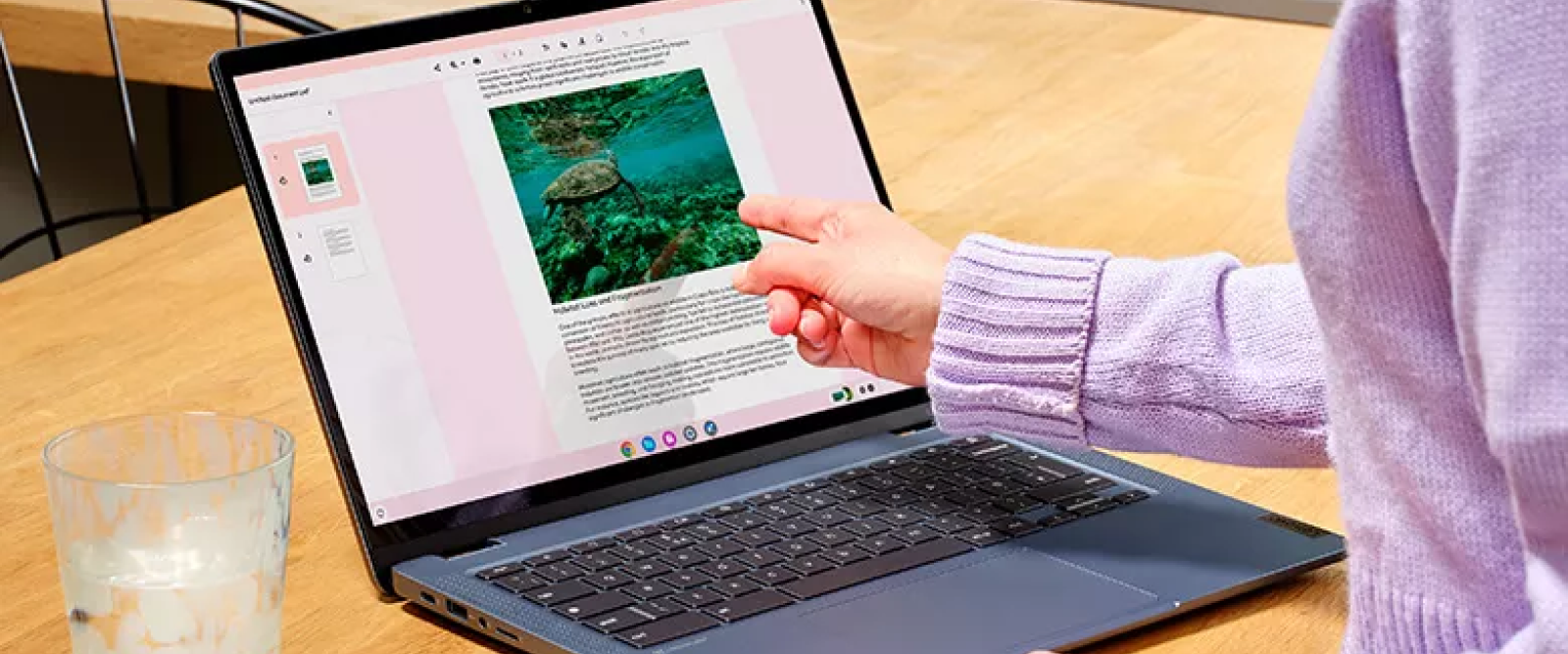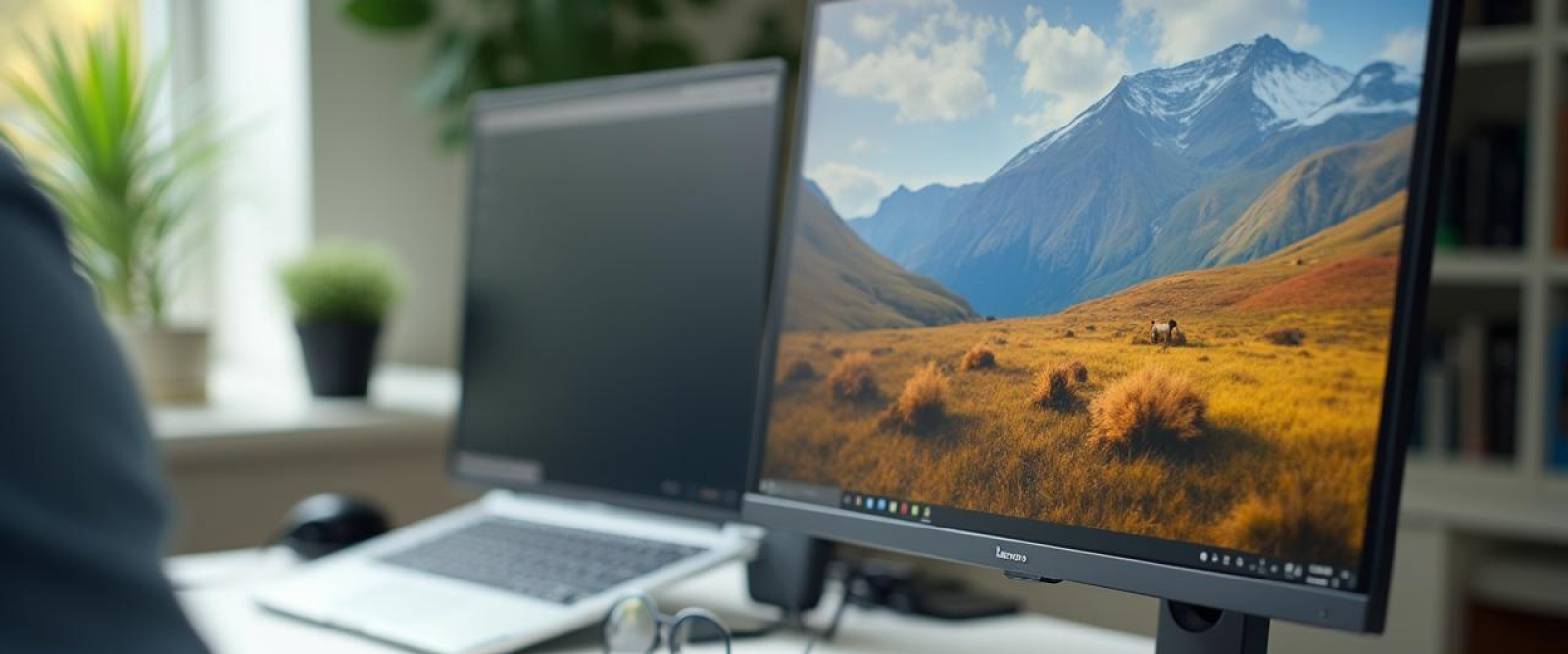
A desk and a computer are no longer the only things that make a room productive. Today's workplaces, whether they are at home or in an office, rely on how well technology helps people be comfortable, concentrate, and get work done. Lenovo desktop computers, laptops, and tools are all made to work with each other as a whole, not separately. Users can make a workspace that reduces friction, blocks out distractions, and supports sustained output throughout the day by choosing the right mix of hardware and supporting tools. In the end, a smarter workspace is one where the tools, the work, and the area all work together.
Important Parts of a Good Lenovo Workspace
1. How to Pick the Best Core Device
Every office starts with a main computer, like a laptop for portability or a desktop for working at a desk. Which one you choose will rely on how mobile your job is and how much computing power you need. A well-matched device makes sure that things go smoothly and the system doesn't have to work too hard.
2. Increasing Monitor Comfort
Working on a small screen for long amounts of time can make you tired and less productive. Adding an external monitor gives you more screen room to do more than one thing at once and makes it more comfortable to look at. For laptop users, picking the right display size can make work much easier to understand.
3. Enhancing Input Efficiency using Externals
Keyboards and mice that are made to be used for long periods of time can make a big difference in how comfortable and accurate you are. External input devices let you position yourself better, which makes long sessions less tiring and gives you more exact control for work that needs to be done with great care.
4. Ensuring Steady Connection
A workspace usually has a lot of different gadgets, such as storage drives and tools for communicating. Having enough ways to connect these parts helps them work together smoothly. Having reliable wireless features and available ports makes using peripherals and networks every day easier.
5. Manage Power and Cables
A messy desk can make it hard to concentrate. Putting power outlets in the right places and organizing cords helps keep the area clean, which makes it easier to focus and lowers the chance of damaging or disconnecting something by accident.
6. Collaboration and Communication Adaptation
These days, work often includes shared projects and virtual meetings. Accessories like headsets or webcams help people communicate more clearly, and a stable computer setup lets everyone take part in meetings or talks without any problems.
Creating a Workspace That Benefits Your Work
Creating a better workspace isn't about getting more tools; it's about choosing tools that really help you do your job. If you choose your Lenovo laptops, desktops, and accessories carefully, they can work together to make a balanced environment that is comfortable, efficient, and long-lasting. Focusing on practical needs like screen space, easy input, connectivity, organization, and teamwork can help users make a place that promotes productivity rather than distraction. In the end, a well-designed workspace becomes an extension of your routine, making it easier to get things done while staying comfortable all day.